
Gateway and hosted modules
Graftcode Gateway (gg) is the host process for one or more modules. Install gg from
Gateway releases before use—see
Run Gateway locally. It selects or detects a runtime, loads the configured modules, exposes runtime-call transports, and can serve Graftcode Vision.
Selecting modules and runtimes
Pass the built module as the first positional argument (gg ./path/to/module.dll). If no path is supplied, Gateway scans the current directory and attempts runtime detection. Use --runtime only when auto-detection is wrong.
“Hosted module” means a module loaded for execution by this process. It does not mean the generated Graft package.
Ports and transports
Gateway uses these default ports:
- WebSocket service calls: port
80; - Vision HTTP UI: port
81; - optional TCP server: port
82; - optional HTTP/2 server: port
83.
TCP and HTTP/2 require their enabling flags. Defaults are operational defaults, not part of a module contract, and deployments can override them.
Where to run Gateway
- On a host or VM — install
ggand run it beside the Receiver module. See Run Gateway locally. - In a container — build an image that bundles your Receiver and
gg. Graftcode does not publish a ready-made image to pull; see Deploy with Docker.
Analysis and registration
Gateway captures the selected callable surface, and the Graftcode Engine uses that metadata to generate packages. Keep these build/package activities distinct from runtime invocation: a normal method call uses the installed Graft and resolved runtime connection; it does not regenerate the package.
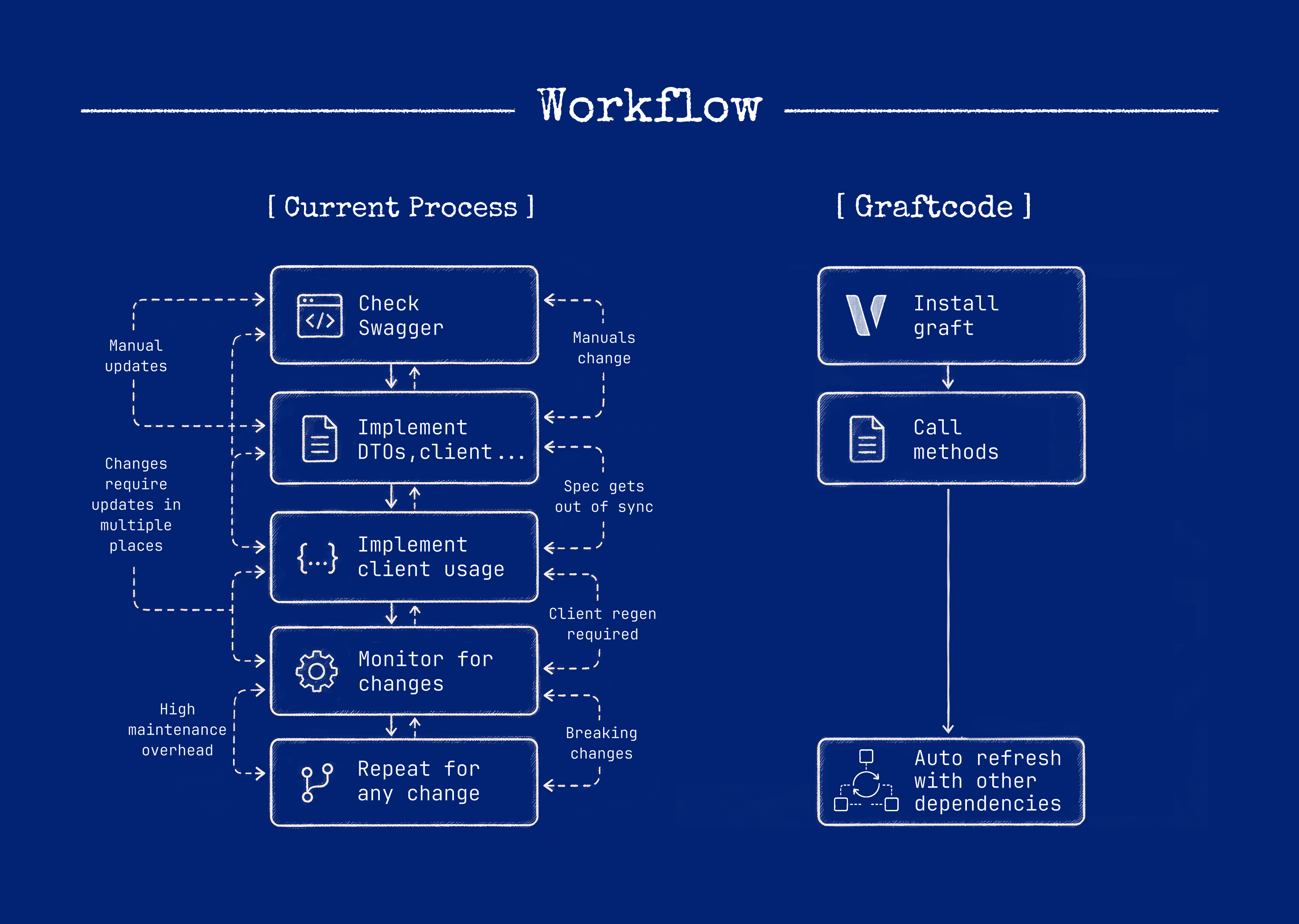
What the Gateway is not
It is not the generated Graft and it is not the user module. It does expose network listeners, so describing it as “not in the traffic path” would be inaccurate for remote calls.
Data boundary
Receiver business logic remains in the Receiver-controlled environment during normal invocation. Runtime payloads travel from the Caller through the configured transport to Gateway and the Receiver. They do not pass through Graftcode Engine unless a separately documented feature explicitly requires it.
For the overview diagram and development-vs-production breakdown, see Public surface vs implementation.
This table is the canonical category-by-category reference for where each kind of data goes:
| Data category | Destination | Purpose | Runtime path | Notes |
|---|---|---|---|---|
| Receiver business logic | Customer environment | Execution | No Engine transfer | Remains customer-controlled |
| Public type and method metadata | Graftcode Engine | Graft creation | Setup only | May contain sensitive naming |
| Package metadata | Engine / registry | Package publication | Setup only | Versioned |
| Runtime arguments and results | Gateway / Receiver | Invocation | Data plane | Not routed through Engine |
| Project / Gateway metadata | Graftcode Engine | Management | Control plane | Association and publication metadata |
| Telemetry metadata | Configured backend | Monitoring | Optional / configured | Only what you instrument and export |
Data-egress behavior can still depend on the Gateway options and plugins you enable. Review your configuration before assuming only the categories above leave the environment.